




Next Launcher အသစ္ေလးတစ္ခုနဲ႔ မိတ္ဆက္ေပးပါရေစ
3D ဒီဇိုင္းေလးဆိုေတာ့ ဆြဲေဆာင္မႈလည္း ရွိပါတယ္ လူတိုင္းလည္း
ႀကိဳက္မွာပါ ဒီေဆာ့၀ဲေလးမွာ License verification လုပ္ထားတဲ႔
ႀကိဳက္မွာပါ ဒီေဆာ့၀ဲေလးမွာ License verification လုပ္ထားတဲ႔
အတြက္ အဲဒါေလးကို Lucky patcher ေလးနဲ႔ ဖ်က္ႏိုင္ပါတယ္
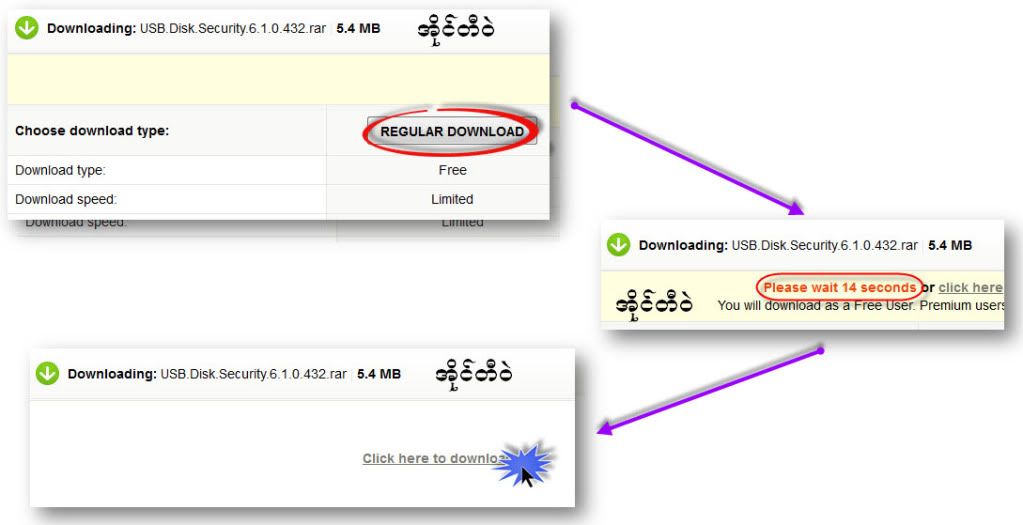
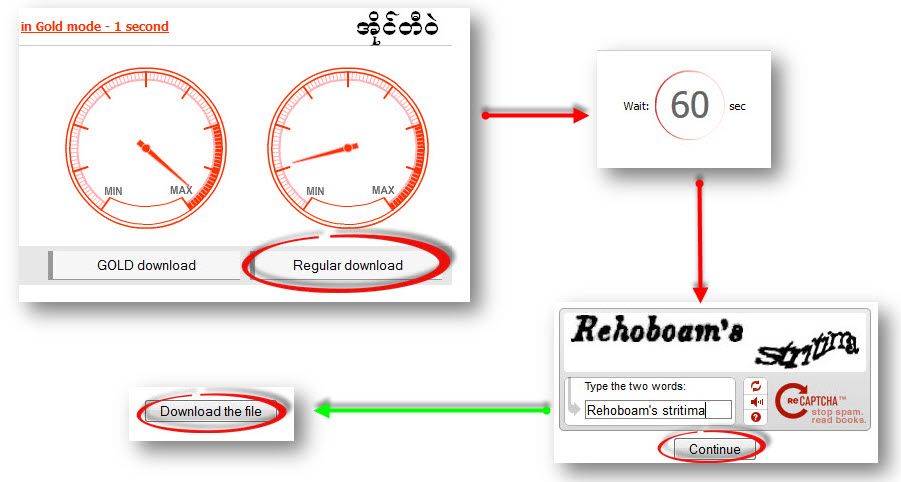
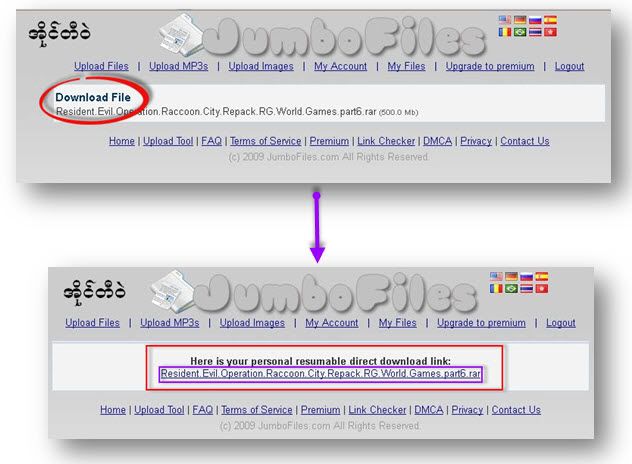
4.6MB ပါ ဒီမွာ ေဒါင္းပါ
Features:
- Various operation for icons: icons support rotation, reset, select, align and so on. Operation is easy and fantastic.
- Unlimited screen layout: placing icons or widgets randomly which forms your own home screen.
- Stereoscopic screen preview: lots of screen display effects, dazzling animation of screen switching about adding or deleting screen.
- Quick screen management: adding different kinds of elements in screen edit including application icons, folders and widgets. It’ll support changing wallpapers and themes soon.
- Rotatable dock: inverting upward or downward the Dock can quickly switch among home screen, screen edit and screen preview.
- Powerful app drawer: icons can be arranged by names or by time, and folders can be created by overlaying icons. Batch mode and operation of adding apps to screen are also available.
- Beautiful scrolling effects: a variety of app drawer scrolling effects that provide a distinctive screen switching experience.
- Fancy 3D widgets: 3D widgets that are based on Next Launcher are coming soon!
Tips:
- Please make sure your device has installed Google Play.
- Phone performance:Android 2.3.3 and up; Dual-core models is better.
- Suggestion:Watch the video of Next Launcher first, to know about the cool operation of the product.
- Notice: We suggest users which use Galaxy Nexus don't remove the Menu icon.
- (New) Gesture for icons on dock (Long press the icon on dock -> Gesture)
- (New) Back button action (Preferences -> Gesture -> Back button)
- (New) Icon font size editable (Personality -> Icon editor -> Label size) – Temporarily not supported for Android 4.0.x and 3.x
- (Improved) Element swing amplitude setting (Preferences -> Effects settings -> Swing amplitude)
- (Improved) Fling gesture supported for Next Key
- (Fixed) Some FC and crash bugs
Screenshots :


 ( IT-WARE မွတစ္ဆင့္ကူးယူေဖၚျပပါသည္ )


0 comments:
Post a Comment